

Peer-to-Peer Trading Explained: A Practical Guide
Explore peer-to-peer trading in South Africa 🔄 Learn how it works, its risks, benefits, and tips to trade safely in this growing market.
Edited By
Maxwell Trent
Selecting the right laptop for forex trading isn’t just about ticking boxes on a spec sheet. It’s about making sure your device runs trading platforms smoothly, connects reliably to the internet, and stands up to the demands of real-time data analysis. For South African traders, these choices become even more relevant given the challenges of data cost, intermittent power supply due to loadshedding, and the need for mobility amid busy schedules.
A solid laptop sets you up with stability and speed when seconds can mean the difference between profit and loss. When you’re watching candlestick charts, adjusting stop-loss orders, or running multiple trading tools at once, lag or system freezes can cost dearly. That’s why this guide focuses on practical features and recommended specs to help South Africans find a laptop that’s fit for purpose without overspending.
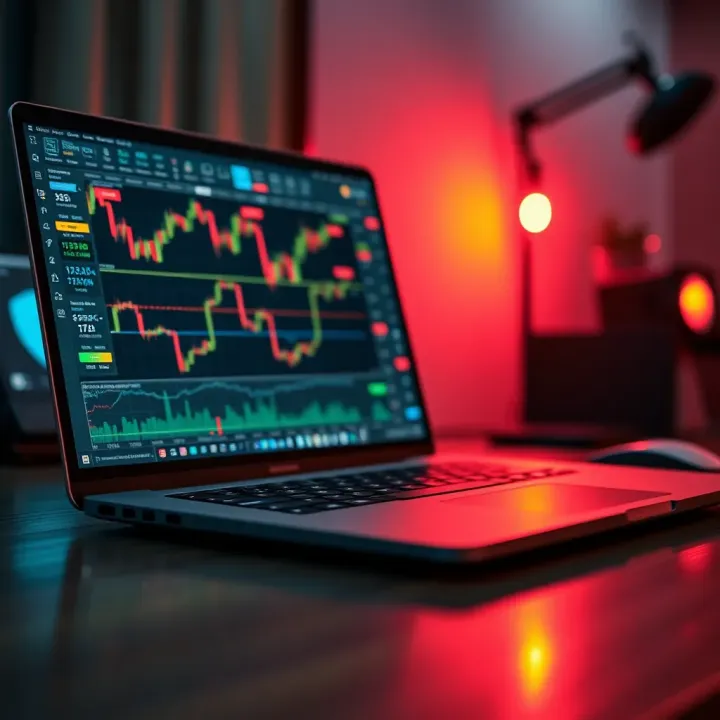
Trading isn’t about having the flashiest device but one that offers consistent performance, reliable connectivity, and ease of use under local conditions.
We’ll examine how processor speed, RAM, display quality, and storage affect trading efficiency. Plus, the importance of battery life amid Eskom’s unpredictable power outages, plus software compatibility for popular forex platforms like MetaTrader 4 and TradingView.
Whether you’re a day trader glued to your screen for quick moves or a swing trader checking in between meetings, choosing the right laptop means you’ve got a practical setup ready to handle the demands of forex trading in South Africa’s unique environment. You can maintain focus without hardware hiccups, stay connected through spotty internet, and do away with unnecessary expenses.
Keep reading for clear, actionable advice to get you set up with a laptop that matches your trading strategy and budget.
When choosing a laptop for forex trading in South Africa, key features can make the difference between a smooth experience and constant frustration. Trading platforms demand reliable performance, clear visuals, and strong connectivity to keep you ahead in the fast-paced currency markets. Here’s what to prioritise.
Processor speed and cores are vital for running multiple trading applications, charts, and real-time data feeds without lag. A quad-core processor, such as the Intel Core i5 or AMD Ryzen 5 from recent generations, usually offers enough muscle. Faster clock speeds help process incoming data and execute trades quickly, which you’ll notice during volatile moments when every millisecond counts.
RAM essentials also play a big role. At least 8GB of RAM is recommended to support multiple browser tabs, trading platforms like MetaTrader or Thinkorswim, and other background processes. If you tend to keep dozens of charts and indicators open, 16GB is a safer bet to avoid slowdowns.
Storage options and speed affect both boot times and data load speed. Solid State Drives (SSD) clearly outperform traditional Hard Disk Drives (HDD). Look for laptops with an SSD of at least 256GB, which not only speeds up programme launch but also saves charts and historical data faster. For traders who work with large data sets or multi-account setups, 512GB or more is ideal.
Screen size and resolution can impact how comfortably you monitor complex charts. A 14- to 15.6-inch display hits the sweet spot, giving enough room without feeling bulky. Full HD resolution (1920x1080) ensures crisp visuals so you can spot trends and signals with clarity, reducing eye strain during long sessions.
Build quality and weight matter if you trade on the move. A laptop weighing around 1.5kg to 2kg offers portability without compromising durability. Aluminium or magnesium alloy chassis provide sturdiness against daily knocks, common when commuting or working in cafes around Gauteng or Cape Town.
Trading demands stable internet connections. Look for laptops offering multiple essential ports—USB-C and USB-A for peripherals, an HDMI port if you want to connect to an external monitor, and an Ethernet port as a backup. Support for Wi-Fi 6 ensures faster, more reliable wireless connectivity, especially useful during peak network hours in busy urban areas.
Battery lifespan is crucial if you trade away from your desk or in places affected by Eskom’s loadshedding. A laptop promising 8 hours or more of battery life can keep you trading without rushing to find a power plug. Brands like Lenovo ThinkPad and Dell XPS offer models known for respectable battery performance.
Having the right laptop isn't just about specs — it’s about aligning those specs with your trading style and South African realities like power cuts and data costs.
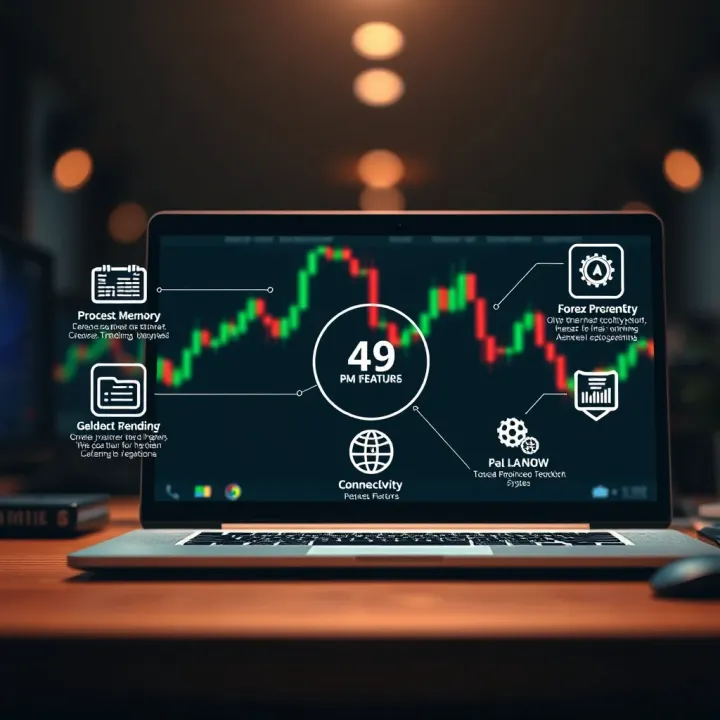
Balancing performance with portability, display quality, and connectivity makes a solid foundation for a forex trading laptop that won’t let you down when the rand moves or international markets shift unexpectedly.
Selecting the right laptop specs is a no-brainer for anyone serious about forex trading. Reliable performance, speed, and compatibility can make or break your trading day, especially when split-second decisions count. Here, we'll lay out what specs you should aim for, whether you’re just starting out or a seasoned trader.
Processor and memory benchmarks
The heart of your trading laptop is the processor. At the very least, you want a quad-core Intel i5 or AMD Ryzen 5 processor — anything less can slow you down when juggling multiple trading charts and apps. For instance, an Intel i5-1135G7 or Ryzen 5 4500U provides solid performance without breaking the bank. If you’ve got the budget, an i7 or Ryzen 7 model will handle heavier multitasking and futureproof your setup.
RAM matters just as much. Aim for 8GB as a baseline to keep several applications running smoothly. Still, if you monitor numerous forex pairs and use real-time analysis software, upgrading to 16GB RAM offers plenty more headroom to prevent lagging.
Storage types and capacities
The type of storage can affect not only speed but your overall trading experience. Solid-state drives (SSDs) trump traditional hard drives for quick startup times and rapid data access. For trading platforms like MetaTrader 5 or cTrader, an SSD of at least 256GB is practical. It allows enough room for your OS, applications, and important documents without bogging down your system.
On the flip side, if you deal with extensive historical data or backtesting files, consider models that support 512GB or higher. Plus, many laptops allow additional storage via SD card slots or external drives for added flexibility.
Graphics considerations
Forex trading doesn't demand heavy graphic power the way gaming or video editing does. Integrated graphics found in most modern processors (like Intel Iris Xe or AMD Radeon Graphics) generally suffice. However, if you prefer working on multi-screen setups or need a bit of extra muscle for chart rendering and animations, a laptop with a dedicated GPU — such as the Nvidia MX series — can help keep visuals crisp and smooth.
Windows versus Mac options
Most forex trading platforms and software are built primarily for Windows, making it the go-to choice for traders in Mzansi. Windows laptops offer broader compatibility across brokers' proprietary software and third-party tools. They’re also easier to upgrade or troubleshoot locally.
That said, MacBooks with macOS remain a solid pick if you're already embedded in the Apple ecosystem. While some trading software may require workarounds like virtual machines or bootcamp, many popular platforms have Mac versions or web-based access. It boils down to what platforms you prefer and ease of use.
Trading platform requirements
Before buying, check how your chosen trading platforms run on various systems. MetaTrader 4 and 5, widely used across South Africa, run smoothly on entry-level Windows laptops. More advanced platforms offering features like direct market access or algorithmic trading might demand better specs.
Additionally, some brokers provide proprietary apps that have specific OS requirements or occasional updates demanding more resources. Ensuring your laptop’s software environment aligns with your platforms avoids disruptions during critical trading sessions.
Remember, a well-matched laptop spec not only supports current trading needs but also adapts as your strategies evolve or software updates roll out.
The right specs sharpen your trading edge and keep you nimble against market shifts. Whether you pick a Windows powerhouse or a sleek Mac, matching processor, memory, storage, and platform compatibility sets you up for consistent, reliable forex trading in South Africa.
Picking the right laptop model is a practical step for South African forex traders aiming to balance performance, price, and reliability. This section narrows down laptop choices that meet trading needs without wasting resources on unnecessary features. By focusing on popular models suited for different budgets and user profiles, traders can make informed decisions that support steady market engagement.
Mid-range laptops strike a reasonable balance between affordability and performance, making them ideal for most traders who need competent machines without splurging. Models like the Dell Inspiron 15 5000 series or HP Pavilion 15 offer solid Intel Core i5 or Ryzen 5 processors, 8GB RAM, and SSD storage starting around R9,000 to R13,000. These specs support multiple trading platforms, real-time charting, and moderate multitasking without lag.
Pricing in Rands varies depending on specs and retailers, but it's important to shop around during promotions or when new stock arrives, especially from trusted chains like Incredible Connection or Makro. Additionally, refurbished units from reputable sellers can offer excellent value for mid-range capabilities.
When buying locally, physical electronics stores and online platforms such as Takealot are common choices for easy returns and warranty services. Buying locally also ensures you get the correct power adaptors and keyboard layouts for South Africa. It's worth visiting outlets offering hands-on demos too, so you can check how the laptop feels in terms of weight and keyboard comfort—important for long trading sessions.
For traders who demand the best—perhaps running multiple screens and advanced analytics—premium laptops come into play. Brands like Apple’s MacBook Pro or Dell XPS 15 offer high-performance Intel Core i7 or i9 processors, 16GB to 32GB RAM, and fast NVMe SSDs. These specs handle intensive software like MetaTrader, Thinkorswim, or advanced Excel sheets without breaking a sweat.
Beyond performance, premium laptops often include superior Retina or 4K displays that reduce eye strain with crisp visuals. They also feature durable chassis and enhanced cooling systems, crucial for sustained trading workloads in South African environments that can be warm and hectic.
Longevity and support for these machines tend to be better too. Premium brands commonly provide longer warranties and quicker customer service turnaround times, ensuring downtime is minimised. This reliability matters greatly when every second counts in the forex market, and fast issue resolution means you stay connected. Plus, premium models hold their resale value better, making them a smarter investment over time.
Choosing between mid-range and premium laptops depends largely on your trading style, workload, and budget. The key is to focus on what supports your workflow and gives you confidence on the trading floor, virtual or physical.
By understanding which laptop models align with your trading needs, you can avoid common pitfalls like slow response times or inadequate battery life, both of which can affect your decision-making and profits. Keeping an eye on updates from local retailers and comparing specs against personal usage patterns is essential for making the best call.
Setting up your trading environment properly is just as important as choosing the right laptop. It helps avoid unnecessary hiccups during trading hours and makes the entire process smoother. Small details like having the right software, a stable internet connection, and a comfortable workspace can save you a lot of stress, especially when the market is moving fast.
Essential trading software plays a big role in ensuring you stay competitive. Programs like MetaTrader 4 or 5, TradingView, and broker-specific platforms come with features that enable efficient charting, technical analysis, and real-time trade execution. Reliable software helps you react promptly to market movements and execute trades without lag.
On the other hand, protecting your data and transactions is vital. Forex trading involves sensitive financial information, so it’s wise to use VPNs (Virtual Private Networks) and up-to-date antivirus software to shield your system from cyber threats. Many traders also use two-factor authentication (2FA) to add an extra layer of security to their trading accounts, preventing unauthorised access.
Dealing with loadshedding is a reality for most South Africans and can seriously disrupt your trading if you're not prepared. An uninterruptible power supply (UPS) or a backup generator can keep your laptop running long enough to close positions safely. Many traders also invest in power banks compatible with their laptops or portable solar chargers for emergency power.
Backup internet solutions are equally important. If your home fibre connection fails, having a 4G mobile data plan from providers like Vodacom or MTN can keep you online. Some traders use multiple internet providers or even tether their mobile as a hotspot to ensure continuous connectivity.
Comfortable arrangements for long sessions protect your health and improve focus. Investing in a good quality office chair and desk at the right height prevents back strain and repetitive stress injuries. Placing your laptop or external monitor at eye level helps reduce neck pain during marathon trading sessions.
Multi-screen setups can considerably enhance your ability to monitor multiple currency pairs and charts simultaneously. Even just adding a second monitor or using a large ultrawide screen can boost your productivity. Local stores like Incredible Connection and Evetech offer affordable monitor options suitable for traders.
A well-thought-out environment combines the right tools and comfort, which ultimately helps you trade more effectively and with less hassle.
By focusing on these practical aspects, you safeguard your trades against technical glitches and set yourself up for consistent success in the fast-paced forex market.
Explore peer-to-peer trading in South Africa 🔄 Learn how it works, its risks, benefits, and tips to trade safely in this growing market.
💹 New to forex trading? Learn what a forex funder is, how to qualify as a funded trader, avoid risks, and grow your skills in South Africa's market.

Explore key strategies and challenges faced by successful Forex traders in South Africa 🇿🇦, plus tips on navigating local regulations and building wealth 💰.
📊 Explore Quotex trading made simple! Learn how South African traders can set up accounts, use trading tools, manage risks, and weigh pros and cons before starting.
Based on 8 reviews