
Understanding Bot Trading for South African Traders
🤖 Discover how bot trading automates your investments with smart software, tips for South African traders, plus legal and tech advice to trade smarter and safer.
Edited By
Amelia Ford
Forex trading has become increasingly accessible thanks to mobile apps, especially on Android devices which dominate the South African smartphone market. These apps connect traders to the global currency markets, allowing them to buy and sell forex pairs anywhere and anytime, provided they have an internet connection.
For South African traders, a good forex trading app offers more than just basic charting and order placement. It should handle Rand (ZAR) transactions smoothly, support local payment methods like EFT or SnapScan, and comply with regulations such as the Financial Sector Conduct Authority (FSCA) guidelines. Without these, you might encounter unnecessary delays or restrictions.
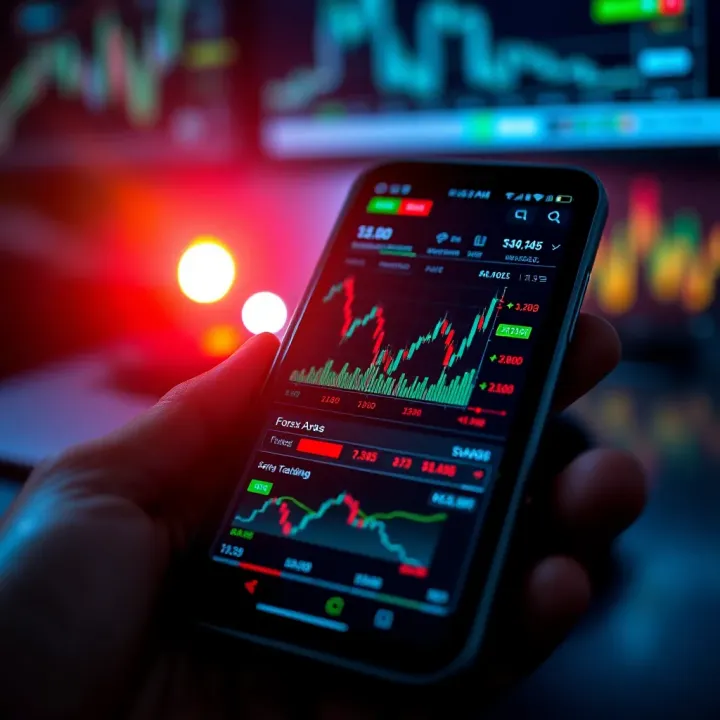
Choosing the right app can mean the difference between quick, confident trades and missed opportunities or costly errors.
When selecting a forex trading app, look for these key features:
Real-time price feeds: Delays even by seconds can cost you dearly in fast-moving forex markets.
Intuitive charting tools: At the very least, ensure you can view line, bar, and candlestick charts with customisable timeframes.
Order types: Beyond market orders, the app should support limit, stop-loss, and take-profit orders to manage risk.
Secure deposits and withdrawals: Integration with local banks and adherence to anti-money laundering laws like the Financial Intelligence Centre Act (FICA) are vital.
Apps like IG, Plus500, and AvaTrade have steadily gained traction among South African traders for offering these essentials alongside user-friendly interfaces.
It's worth noting that forex trading carries high risks — leverage can magnify losses quickly. Always practice with demo accounts available on most apps to familiarise yourself with the platform’s mechanics before putting real money on the line.
Understanding the fine print regarding fees, spreads, and regulatory oversight is critical. Many apps might advertise zero commissions but compensate with wider spreads, which quietly increase your cost per trade.
In the upcoming sections, we'll break down how these apps work on Android devices, what to watch out for, and practical tips to improve your chances of trading success while managing inherent risks.
Forex trading involves buying and selling currency pairs, aiming to profit from exchange rate fluctuations. Many South Africans are turning to Android forex trading apps because these offer the convenience of trading anytime, anywhere. Understanding how these apps work can save traders from costly mistakes and help them make smart moves in the market.
Forex trading is essentially a global market where currencies are exchanged, often influenced by political events, economic data, or central bank decisions. Android apps act as gateways, giving traders direct access to live price quotes, order execution, and real-time news updates. For example, a trader in Johannesburg might use an app like MetaTrader 4 or IG Trading on their phone to react instantly to a sudden drop in the rand. The apps connect to brokers, allowing you to place trades on the go without needing a desktop.
Most trading apps offer live charts with technical indicators such as Moving Averages or RSI (Relative Strength Index), letting traders analyse trends quickly. Additionally, they provide access to account balances, trading history, and order management tools all in one screen. Good apps also allow personalisation — adjusting chart types or setting custom alerts for price levels. For instance, the FXTM app lets you set vibration alerts for price breakthroughs, which helps you stay informed even when the app runs in the background.
The interface is designed to be intuitive; simple tap controls help place market or pending orders, while dropdown menus streamline currency pair selection. A clutter-free layout matters because many South Africans trade in short bursts between daily tasks or during commutes.
Android dominates the South African mobile market, making it the most accessible platform for traders. Besides widespread device availability, Android apps often offer more flexibility in terms of customisation and compatibility with different broker platforms. Plus, these apps fit neatly with everyday life — whether you’re sitting in a taxi, at your local café, or waiting in line at the bank.
Unlike desktop platforms, mobile apps deliver immediate push notifications for key market events or order executions, keeping you on your toes. This immediacy is critical when trading volatile pairs like USD/ZAR where prices can shift quickly.
Keep in mind that not all forex apps are created equal. Choosing a reliable Android app with strong security, real-time data, and easy navigation is vital, especially in the unpredictable forex market.
By understanding these basics, South African traders can better navigate the forex space on their Android devices, making informed decisions and seizing opportunities wherever they are.
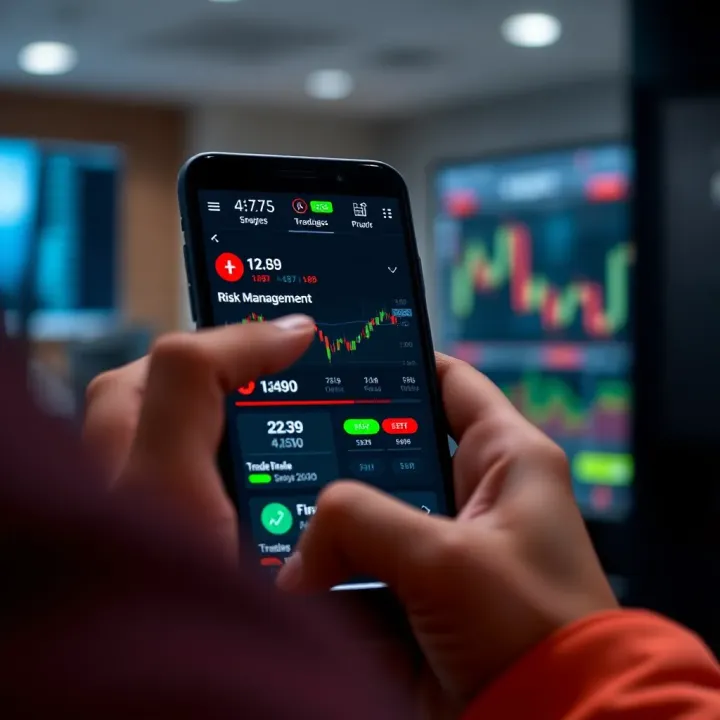
When choosing a forex trading app on Android, especially as a South African trader, spotting the right features is key to trading success. These features shape how responsive, secure, and user-friendly your app will be. Let's unpack the essentials.
Accurate, up-to-the-minute market information is the lifeblood of forex trading. An app must stream live market data without lag so you can react quickly to currency fluctuations. For example, if the Rand suddenly weakens against the US dollar due to local economic news, you want to see that reflected immediately.
Equally important are real-time charts offering different timeframes—from one-minute ticks to daily views. These charts help you spot trends and entry or exit points. Many apps allow you to overlay indicators like moving averages or RSI (Relative Strength Index) for better analysis. Without reliable live data and charting, making smart trades becomes guesswork.
A trading app cluttered with confusing menus or sluggish navigation is a deal-breaker. The interface needs to be intuitive so you can place trades or check positions quickly, even when you're on the move. For instance, apps that let you rearrange the dashboard or set up quick-access buttons for your favourite currency pairs save vital seconds.
Customisation also means setting default order types (market, limit, stop) or chart styles that suit your trading method. If you’re a day trader, having a dark mode and compact chart views might help reduce eye strain during long sessions. Ultimately, the app should fit your style, not slow you down.
South African traders benefit from apps that support local payment options, such as EFT (Electronic Funds Transfer), SnapScan, or Zapper. This integration eases depositing and withdrawing funds without unnecessary delays or hefty fees.
Security matters hugely. The app must safeguard your financial transactions with encryption and support two-factor authentication. Imagine transferring funds via your FNB or Capitec accounts directly within the trading app—it makes managing your trading capital smoother while keeping your banking details safe.
Managing risk is non-negotiable in forex trading. Effective apps come with built-in tools like stop-loss and take-profit orders that automatically close trades at predefined levels to shield your investment.
Notifications play a practical role here. Alerts on price triggers, margin calls, or news events can keep you heads-up even when you’re away from the screen. Consider an app offering tailored push notifications on currency volatility for your main pairs; this makes sure you won’t miss chances or warnings.
A trading app without solid risk management features is like driving without brakes—dangerous and unwise.
In summary, these key features don't just improve your trading experience—they can influence profitability and security in significant ways. As you weigh forex apps for Android, make sure they tick these boxes to trade not only smart but also safely.
Selecting the right forex trading app tailored to South African traders can influence success significantly. Apps that offer localisation—such as support for Rand (R) trading pairs and integration with local banks—help smooth transactions and reduce currency exchange complexities. Understanding the popular options available locally and internationally gives traders a solid foundation.
Globally recognised trading platforms such as MetaTrader 4 (MT4) and MetaTrader 5 (MT5) remain favourites in South Africa due to their extensive charting tools, custom indicators, and wide broker compatibility. Meanwhile, local platforms like IG Markets South Africa and Plus500 offer apps designed for local compliance and specific currency pairing, including ZAR/USD. For those starting out, apps like eToro also appeal for their social trading features, practical for learning from other traders within South Africa's active forex community.
Costs vary widely across platforms. MetaTrader apps typically offer free downloads but involve fees through brokers, such as spreads and commissions. IG Markets and Plus500 often include transparent fee structures but sometimes charge for withdrawals or inactivity. Features to lookout for include real-time data feeds, one-click trading, and alerts. Accessibility goes beyond price — Vodafone or MTN mobile data costs, and reliable internet speeds can affect usability, especially in rural or under-served areas. Some apps offer offline chart analysis which can be a lifesaver during load shedding.
Reviews across forums, local Facebook trading groups, and platforms like MyBroadband indicate that user experience can differ markedly. MetaTrader's steeper learning curve contrasts with eToro’s friendlier interface, favoured by casual traders. User complaints about lag during high volatility, or difficulties withdrawing funds, highlight the importance of choosing brokers regulated by the Financial Sector Conduct Authority (FSCA) in South Africa. Pay attention to feedback on customer support responsiveness, as this often signals how a platform manages local trader concerns.
Choosing a forex app is about the right fit. Consider your trading style, required features, and the reliability of local support before committing.
Trading forex on your Android device is convenient but comes with its own set of risks and compliance challenges. Understanding these risks, the local legal framework, and security measures is vital to protecting both your investments and personal information.
Forex markets can swing wildly, sometimes in response to sudden events like geopolitical shifts or changes in economic policies. For example, during the rand's volatility against the US dollar, traders who failed to use stop-loss orders faced steep losses. Mobile apps can expose you to rapid market changes without warning unless they're set up with alerts and risk management tools. High leverage, common on many platforms, can multiply gains but also losses, so approaching these apps with a clear risk strategy is non-negotiable.
In South Africa, the Financial Sector Conduct Authority (FSCA) regulates forex trading. Before committing funds to any platform, verify if the provider is registered with the FSCA. Unregulated platforms put your funds at risk of fraud or unfair practices and often lack recourse if things go south. Also, be aware of South Africa's Exchange Control Regulations, which limit offshore trading and transfer of funds. Traders flocking to foreign apps must consider these laws to avoid running foul of SARS compliance.
Smartphones can be vulnerable to hacking, especially if apps aren’t secured properly. Choose trading apps that use two-factor authentication (2FA) and encrypt your data. Avoid public Wi-Fi when trading, as it exposes you to cyber threats. Make a habit of updating your apps and the Android system regularly; security patches close loopholes hackers may exploit.
Always treat your trading app like your bank account – if you wouldn't leave your cash lying around, don't leave your account unsecured.
Consider using password managers to create strong, unique passwords for your trading accounts. Keep an eye on app permissions to avoid granting unnecessary access. Also, monitor your linked bank or payment accounts frequently for any unauthorised transactions.
Managing risks and compliance is not just about ticking boxes but staying alert and taking practical steps. With the volatile forex market and increasing cybercrime, ensuring your mobile trading is both savvy and secure helps you trade smarter and more confidently in South Africa’s evolving financial landscape.
Venturing into forex trading on your Android device is a promising way to engage with the global market right from your koppie or lapa. However, success depends heavily on how well you set up and manage your trading activities. This section covers practical tips to help you kick off smoothly and use these apps effectively.
Starting off, one of the essential steps is setting up your trading account correctly. Most forex apps require you to verify your identity and link your bank details before trading with real money. In South Africa, this process usually involves uploading your ID and proof of residence due to regulations like the Financial Intelligence Centre Act (FICA).
When linking bank accounts, choose those that offer easy integration with the app’s payment system. For example, apps that support local banking platforms like FNB or Capitec’s instant EFT options allow faster deposits and withdrawals without hefty fees. Avoid linking debit or credit cards to minimise risk if the app experiences security issues.
Before risking your R100 or more, use demo accounts extensively. These simulated accounts mimic real market conditions but with virtual cash. This lets you test different strategies without financial pressure. For instance, you might experiment with short-term trades during an Eskom announcement or long-term positions following SARB interest rate news.
Keep in mind that demo accounts sometimes lack the emotional pressure real trading brings, so try to take it seriously. Set goals like achieving consistent small profits or test stop-loss orders to see how well you can stick to risk controls.
To grow as a trader, tracking your past trades is non-negotiable. Most Android apps offer trade history and analytics tools where you can review your wins and losses. Use these tools to spot patterns — do you lose more during volatile periods like US non-farm payroll releases, or excel with certain currency pairs?
Beyond the app, keep a trading journal on your mobile or notebook. Jot down why you entered a trade, what signals influenced you, and the outcome. Over time, this habit builds discipline and sharpens your decision-making.
Remember, forex trading is not about quick wins but steady learning and adapting. Use the tools available on your Android app to trade smart and stay informed.
By setting your account thoughtfully, practising thoroughly, and reviewing your trades consistently, you’ll get the most out of forex trading apps on Android. This groundwork can make the difference between going in blind and trading with confidence.
🤖 Discover how bot trading automates your investments with smart software, tips for South African traders, plus legal and tech advice to trade smarter and safer.
📊 Learn how forex indices work, what affects their moves, and how South African traders can use them effectively — including insights on the rand and local market trends.
📈 Learn how signal trading works and its practical use for South African traders. Explore types, access methods, risks, and smart tips to enhance your strategy.
Discover how platform trading works in South Africa 🇿🇦, explore key features, risks, regulations, and tips to pick the best trading platform for your needs 📊
Based on 15 reviews