

Guide to IQ Option for South African Traders
Ready to trade on IQ Option? Learn how to open accounts, explore trading tools, manage risks, & understand SA fees and legal rules for smarter investing 📊💼
Edited By
Charlotte Beckett
Getting started with IQ Option as a South African trader is straightforward once you know the ropes. This platform offers access to various trading instruments like forex, stocks, and cryptocurrencies, making it popular among local investors and analysts. Before diving into trading, logging into your account safely is essential to protect your funds and personal information.
To log in, simply visit the official IQ Option website or open their mobile app, available for both Android and iOS devices. Make sure you're accessing the legitimate platform to avoid scams or phishing attempts common in the online trading space.
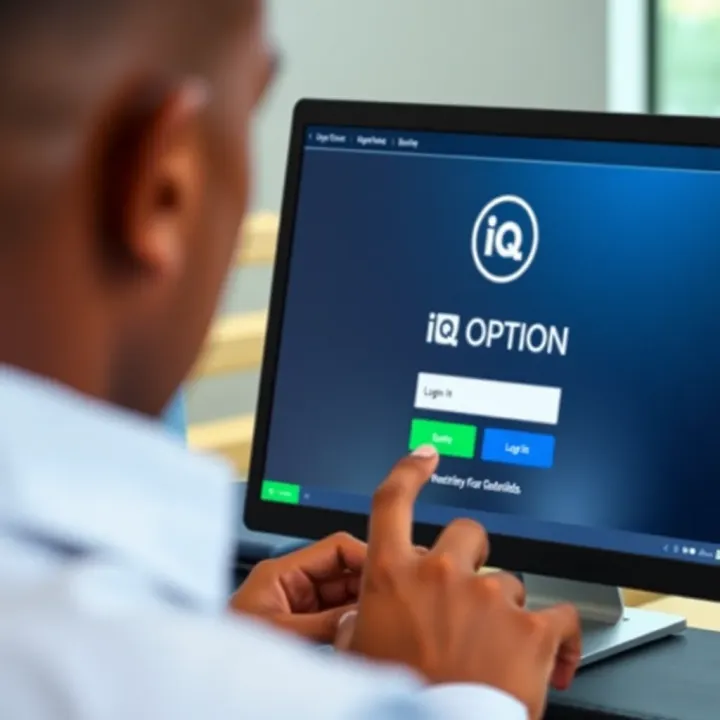
Your login credentials consist of your registered email address and password. Always use a strong, unique password—think of a mix of letters, numbers, and symbols that you don’t use elsewhere. If you haven't registered yet, sign up by providing your details and completing the verification process required by South African financial regulations.
Security Tip: Enable two-factor authentication (2FA) immediately after logging in. This adds a second layer of security beyond your password and significantly lowers the risk of unauthorised access.
If you encounter issues logging in, such as forgetting your password, IQ Option provides straightforward recovery steps. Use the 'Forgot Password' option to reset it through the email linked to your account. Make sure to check your spam or junk mail folder if the reset email doesn't appear in your inbox.
South African traders often face challenges with internet connectivity, so an unstable connection can cause login interruptions. Where possible, connect to the internet using a reliable network. For instance, MTN and Vodacom offer decent coverage in urban centres, but if you’re trading from more remote areas, a fixed fibre connection might be more stable.
Once inside, IQ Option's interface is user-friendly. You'll find your dashboard displays your current positions, account balance in Rand (R), and a suite of charts and indicators adapted for various skill levels. Keep an eye out for local payment options too — many South Africans prefer funding accounts via e-wallets or EFTs from their bank, such as FNB or Standard Bank.
Logging in is the first step towards making informed trades on IQ Option. Remember to keep your login details private, stay updated on security practices, and enjoy exploring what this platform offers its Mzansi users.
Understanding how to get started with logging into IQ Option is essential for South African traders and investors who want quick, reliable access to their accounts. It’s not just about entering your details; the first steps set the tone for your trading experience, ensuring security and ease of use. Think of it like the stoep of your home – the place to step onto before venturing into the rest of the house.
IQ Option offers a broad range of financial instruments suitable for different trading styles. From forex and stocks to cryptocurrencies and digital options, it caters to everyone, whether you prefer short-term trades or longer-term investments. This diversity means you can build a varied portfolio without juggling multiple platforms.
For South African users, IQ Option's platform is approachable and designed to handle the local market’s constraints, like internet speeds or data limits. Plus, it provides a clean interface that’s responsive on both desktop and mobile, perfect if you are often on the move or affected by loadshedding.
The platform’s accessibility for South Africans doesn’t stop at its instruments. IQ Option supports the Rand (ZAR) for deposits and withdrawals, which helps avoid unnecessary currency conversion fees common with international brokers. Payment options like bank cards, ecoPayz, and e-wallets are available, suiting a variety of preferences common in Mzansi.
Moreover, the platform aligns with local regulatory requirements, which means South African traders can use IQ Option with a reasonable degree of confidence concerning compliance and security. With South Africans showing increasing interest in online trading, having a platform that accounts for local needs simplifies your trading journey.
Before logging in, you must create an account. This process is quite straightforward and involves filling out basic details such as your name, email, and mobile number. IQ Option makes this easy to ensure you’re up and running without a fuss, avoiding lengthy forms that can put off new users.
Accurate details are essential here, as they form the basis for identity verification—necessary both for your security and complying with financial regulations. It’s a bit like applying for your driver’s licence; no shortcuts accepted.
After registration, confirming your email and mobile number is crucial because these act as your keys for secure account access and communication. IQ Option sends a verification link or code to ensure your contact information is valid and that you’re reachable.
For instance, if you ever forget your password or need to reset your login credentials, the platform uses these verified contacts to confirm it's really you. Skipping this step might result in delays or even temporary lockouts, so it’s best to complete verification promptly.
Secure and verified account details form the foundation of a smooth and trustworthy trading experience with IQ Option.
Getting started the right way with IQ Option ensures you avoid common pitfalls and makes your first login a breeze. Whether you’re a seasoned trader or dipping your toes in, these steps protect your investment and make trading in our South African context easier.

Logging into your IQ Option account is the gateway to accessing your trades, portfolio, and the full suite of tools the platform offers. For South African traders, understanding the nuances of this process ensures a smooth start and helps avoid common pitfalls like phishing or accidental account lockouts. Whether you’re on desktop or mobile, the right approach to login steps can protect your investments and personal data effectively.
The first step to logging in safely is always to use official sources. Typing the website address manually or bookmarking the official IQ Option site on your browser can reduce the risk of landing on fake or scam platforms. South African users should be particularly cautious given the rise in online scams targeting traders here. For example, double-check the URL for misspellings and avoid clicking on suspicious links from emails or adverts.
Avoid downloading apps from third-party sites. Instead, use the official IQ Option app available on Google Play Store or the Apple App Store. These platforms perform routine checks to reduce the chance of malicious software, granting you peace of mind when trading.
Both methods have their perks. The desktop login provides a more comprehensive view with larger charts and numerous indicators visible simultaneously – beneficial for traders analysing multiple instruments. On the other hand, the mobile app excels in convenience, letting you trade while commuting or between errands.
For South Africans experiencing loadshedding, having the mobile app ready on your phone can be a game-changer. It uses less data and lets you check notifications and alerts without turning on a computer. Whichever method you prefer, ensure your device’s software is up to date to keep your session secure.
IQ Option requires either an email address or mobile number to log in, paired with a password. It’s vital to enter these details correctly to avoid frustration. For instance, if you registered with your mobile number from South Africa, including the country code (+27) without errors matters.
Passwords should be treated like biltong – kept dry and secure. Common errors like case sensitivity or accidentally adding spaces often cause login failures. If you find yourself locked out, it’s worth reviewing your input before assuming the worst.
IQ Option offers sign-in through options like Google or Facebook accounts, which some find convenient as it cuts down on memorising yet another password. However, South African traders should weigh this against potential privacy concerns and how these platforms handle personal data.
Also, tying your trading account to social media logins means your ability to trade can depend on those platforms’ accessibility and stability. For instance, if Facebook is temporarily down or blocked, logging in might become difficult. It’s often safer to stick with direct email/mobile and password logins unless you’re confident in the third-party service.
Taking these login steps carefully not only saves time but also keeps your IQ Option account protected against common security mishaps experienced by many South African traders.
Navigating common login problems on IQ Option is essential for South African traders who want smooth access to their accounts. These issues, if left unresolved, can cause delays in trading or even result in lost opportunities. Knowing how to tackle problems like forgotten passwords or account lockouts helps keep your trading momentum uninterrupted.
Resetting your password is often the quickest fix if you can’t recall your login details. IQ Option provides a simple reset process where you submit your registered email or mobile number to receive a reset link. This method is practical because many users forget their passwords after extended periods of inactivity or after creating complex passwords for security reasons.
Having a secure yet easily accessible way to recover your password means you won’t lose valuable time trying to access the platform. Don’t forget: always choose a strong new password and avoid recycling old ones to keep your account safe.
Using recovery email or phone adds an extra safety net. When you register with IQ Option, you provide these details precisely for recovery purposes. If you trigger the password reset, IQ Option sends a code or link either via your recovery email or phone via SMS. This approach ensures that the password reset is secure and that only authorised users regain access.
For South African users, where mobile numbers often change or emails get clogged with spam, keeping your recovery information up to date is vital. Regularly checking and updating these details in your account settings is a smart move to avoid headaches later.
Reasons for lockouts on IQ Option typically include multiple failed login attempts, suspicious activity detected on your account, or violating platform policies. For example, if you or someone else repeatedly enters the wrong password, IQ Option might temporarily lock your account as a security precaution. Suspicious transactions or breach of trading rules can also lead to suspension.
Understanding these reasons helps you stay vigilant about your login practices. Always ensure you enter your credentials carefully and avoid sharing your details to minimise the chances of lockouts.
How to contact support when locked out is straightforward but crucial. IQ Option offers customer service through chat or email, and South African users can expect timely assistance. When reaching out, provide clear details like your registered email, mobile number, and the issue you're facing. This info speeds up verification and resolution.
Pro tip: Keep support contact details saved somewhere safe. Quick access to help can make a big difference if you’re suddenly locked out, especially during active trading hours.
Being proactive about these common login problems goes a long way in maintaining a hassle-free trading experience on IQ Option from South Africa.
Protecting your IQ Option account is essential to keep your investments and personal details safe. With increasing cyber threats, South African traders face risks such as identity theft or unauthorised access to funds. Taking simple but effective precautions reduces your chance of falling victim to such scams and maintains your peace of mind while trading.
Creating a strong password is the first line of defence against hackers. Use a combination of uppercase and lowercase letters, numbers, and special characters. For example, instead of "password123", try something like "R3dL10n$Cape", mixing unrelated elements but easy enough for you to remember. Avoid predictable patterns or common words often exploited by brute-force attacks.
Many users slip up by reusing the same password across platforms. This can jeopardise your IQ Option account if another service you use suffers a data breach. Each account should have a unique password. Consider using a reliable password manager to keep track without relying on weak or repetitive codes.
Enabling 2FA adds an extra layer of security beyond your password. IQ Option lets you activate it via your account settings, where every time you log in, you’ll need to enter a code from your authenticator app or received by SMS. This step makes it much harder for anyone to access your account even if they somehow get your password.
Common apps recommended for generating these codes include Google Authenticator and Authy. These apps generate time-sensitive codes on your mobile, which hackers can’t easily intercept. It’s safer than relying solely on SMS, which can be vulnerable to SIM swapping attacks prevalent in South Africa.
Phishing scams remain a major threat for online traders. Be cautious of emails or messages claiming to be from IQ Option asking for your login credentials or personal details. Always verify the sender’s email address and never click suspicious links. When in doubt, go directly to IQ Option’s official website by typing the URL yourself rather than clicking on links.
Practising safe internet habits will also protect your account. Avoid logging in on public Wi-Fi or shared computers, as these can be less secure and prone to hackers capturing keystrokes or session details. Regularly clear your browser’s cache and update your device’s software to patch security vulnerabilities.
A sound security routine on IQ Option safeguards your portfolio and personal data against increasingly sophisticated cyber threats common in digital trading today.
By applying these steps—strong passwords, two-factor authentication, and vigilant online behaviour—you’ll significantly reduce your risk of falling prey to cybercriminals. Your trading focus should stay on market moves, not account worries.
Once you’ve successfully logged into IQ Option, knowing how to navigate the platform efficiently becomes key to managing your investments and making informed decisions. This stage is especially important for South African traders who want to take full advantage of the platform’s tools and resources without wasting time sifting through menus or unfamiliar features.
Accessing your portfolio and trade history is the first stop after logging in. Your portfolio gives you an at-a-glance view of your active trades, current balances, and asset performance. For example, if you’ve placed several trades in forex pairs like USD/ZAR or commodities like gold, the dashboard clearly displays real-time prices, profit or loss, and expiry times. Meanwhile, your trade history helps track all past transactions, which is valuable for reviewing your strategy or preparing tax records—a real benefit during SARS filing season.
Finding educational resources directly within the platform makes ongoing learning straightforward. IQ Option offers tutorials, webinars, and market analysis that can help sharpen your trading tactics. For South African users, these materials might include market insights relevant to local currency trends or commodity prices influenced by global supply chains. Keeping these resources handy encourages continuous improvement, reducing reliance on outside sources and helping you stay updated with market movements.
Updating personal details such as your name, address, and contact information is crucial to keep your account compliant with regulatory requirements like the Financial Intelligence Centre Act (FICA) in South Africa. For instance, if you move house or change your mobile provider, promptly updating your details on IQ Option helps avoid verification hiccups and ensures you receive important account notifications without delay.
Managing notification preferences allows you to control how and when IQ Option communicates with you. You might want alerts about trade expiries, deposit confirmations, or market news, but not every promotional message. By tailoring these settings, you maintain focus on what matters without cluttering your inbox or mobile notifications. This is particularly useful if you juggle multiple investments or prefer to check the platform only during certain hours.
Efficient navigation and personalising your IQ Option experience set the foundation for smarter trading in South Africa’s unique market environment. Knowing where to find your portfolio, learning resources, and custom settings helps turn logging in from a routine step into a solid part of your trading strategy.
Ready to trade on IQ Option? Learn how to open accounts, explore trading tools, manage risks, & understand SA fees and legal rules for smarter investing 📊💼
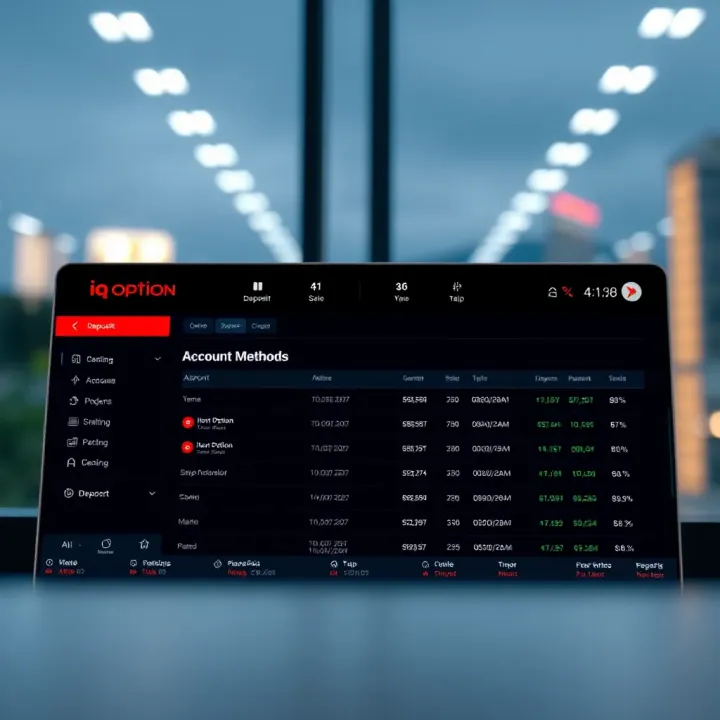
Explore IQ Option for South African traders 🇿🇦: navigate features, account setup, deposit options, and local risk management for confident trading decisions 📈.

Learn how to trade on IQ Option with step-by-step tips🇿🇦 for South African traders📈. Set up accounts, place trades safely, manage risks, and withdraw profits securely💰.

📊 Explore SmartTrader for South African traders: deep dive into features, account types, fees, security, customer support & expert tips for success!
Based on 9 reviews